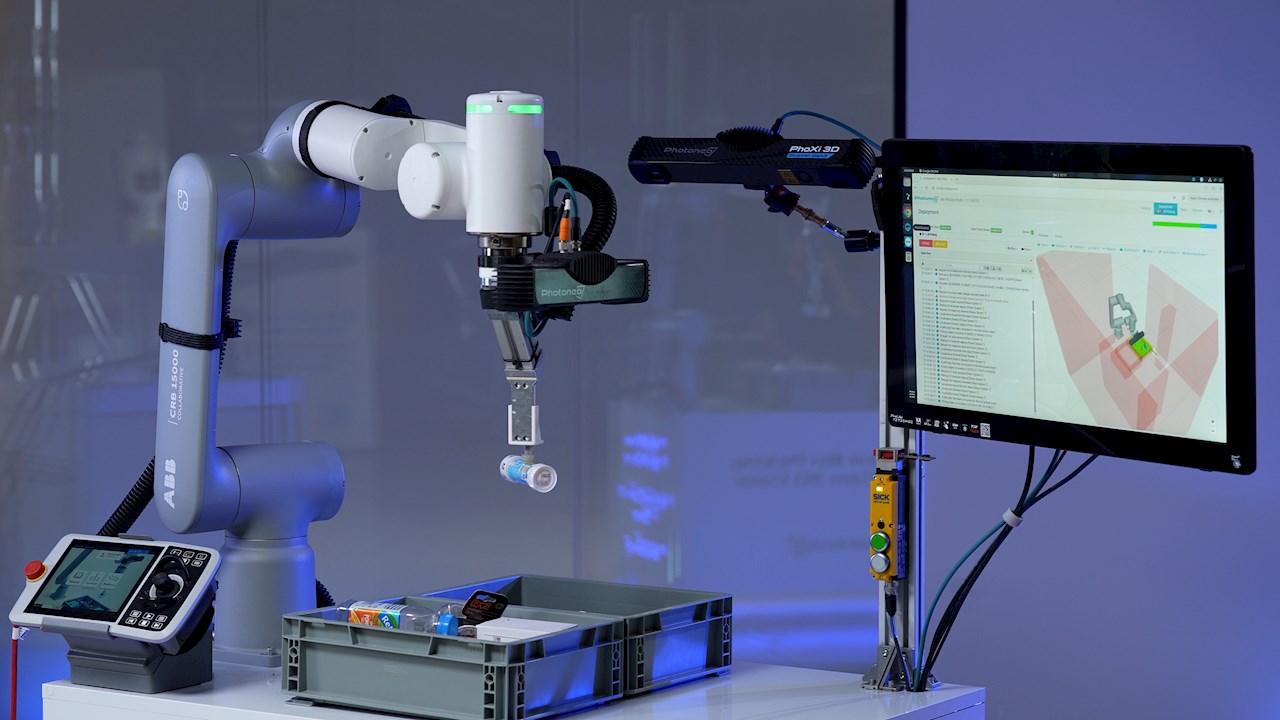
On December 11th, 2025, ABB Robotics and Photoneo hosted an exclusive webinar to showcase how Photoneo’s Locator Studio and Bin Picking Studio integrate seamlessly with ABB robots. In the past, using 3D vision in robotic applications was often complex, time‑consuming, and unreliable. The session demonstrated how much easier and more robust these workflows have become.

During the webinar, Benoît Gerber (ABB Robotics), together with František Takáč and Martin Tabačiar (Photoneo), explained how the integration between Photoneo’s AI‑powered 3D vision tools and ABB robots enables advanced AI‑driven and CAD‑based applications to work together quickly and effortlessly. They also highlighted the tangible benefits for users aiming to accelerate their automation projects.
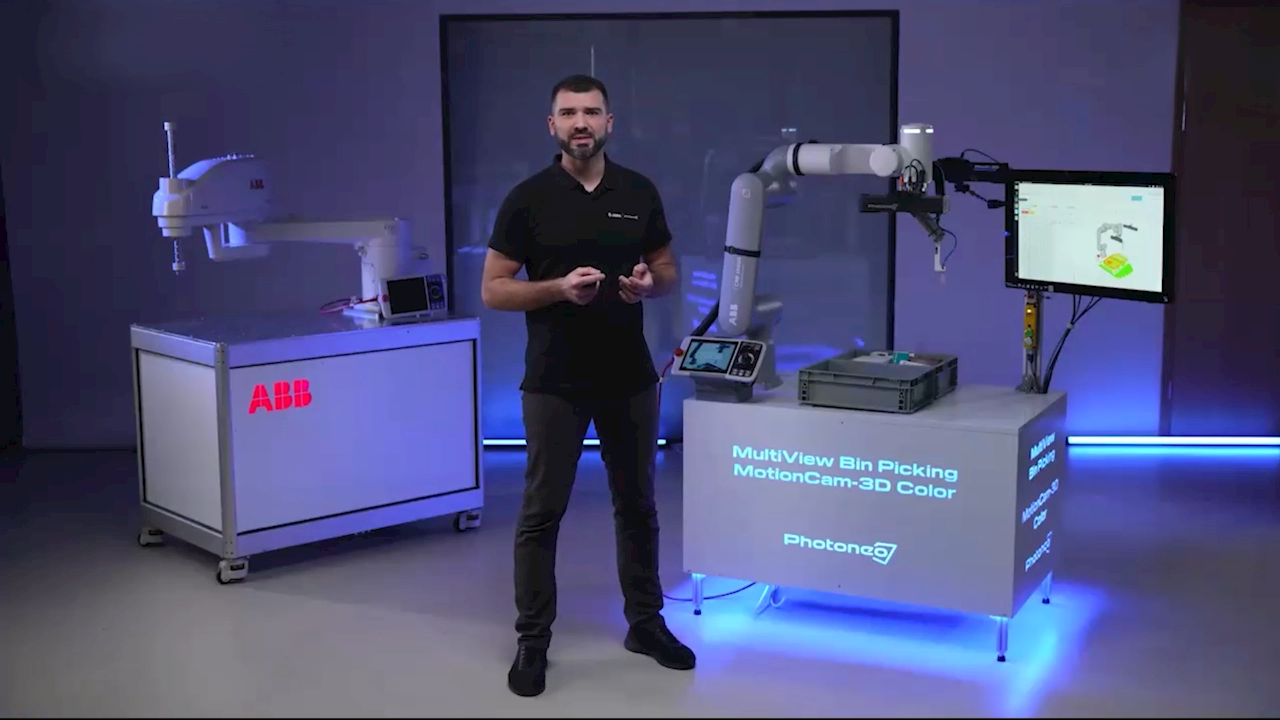
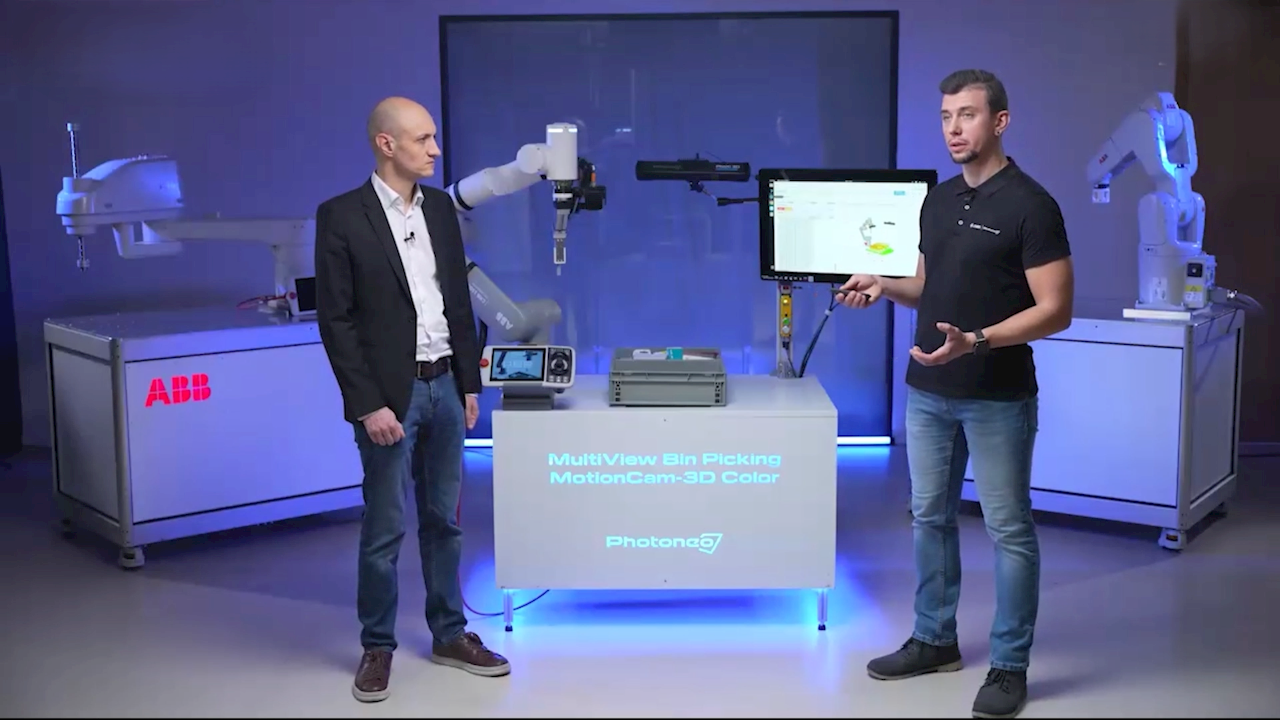
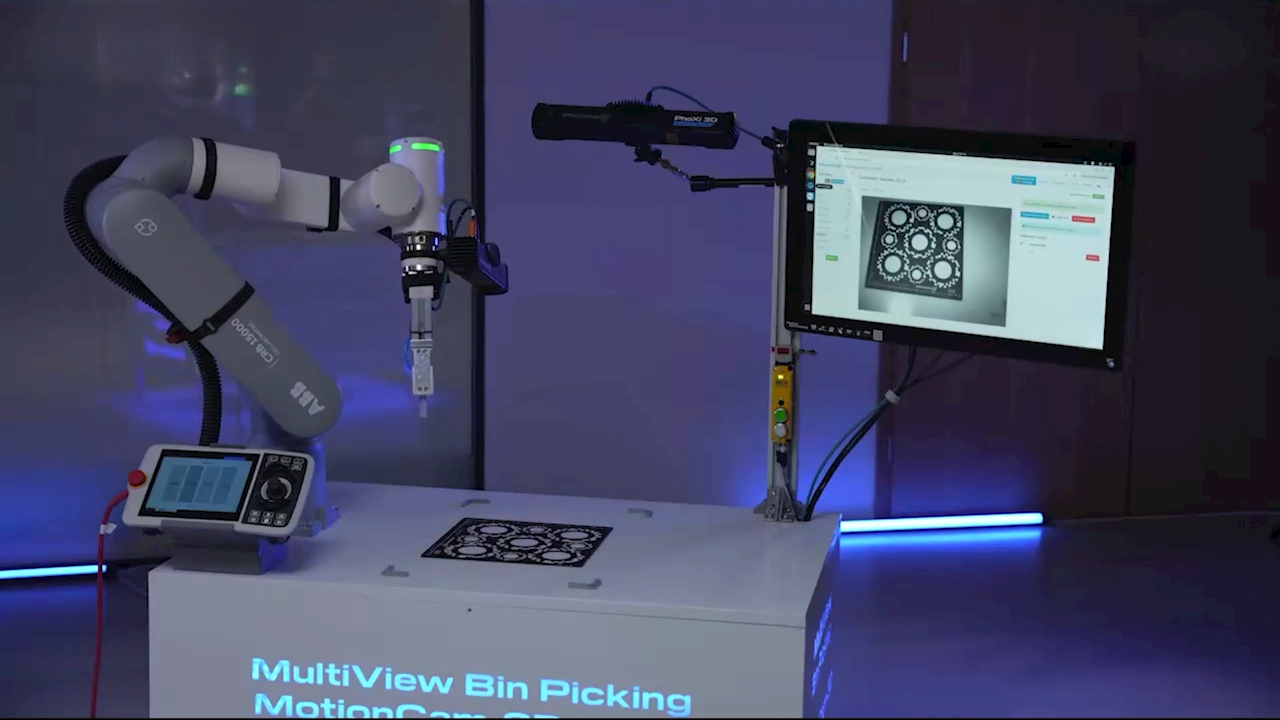
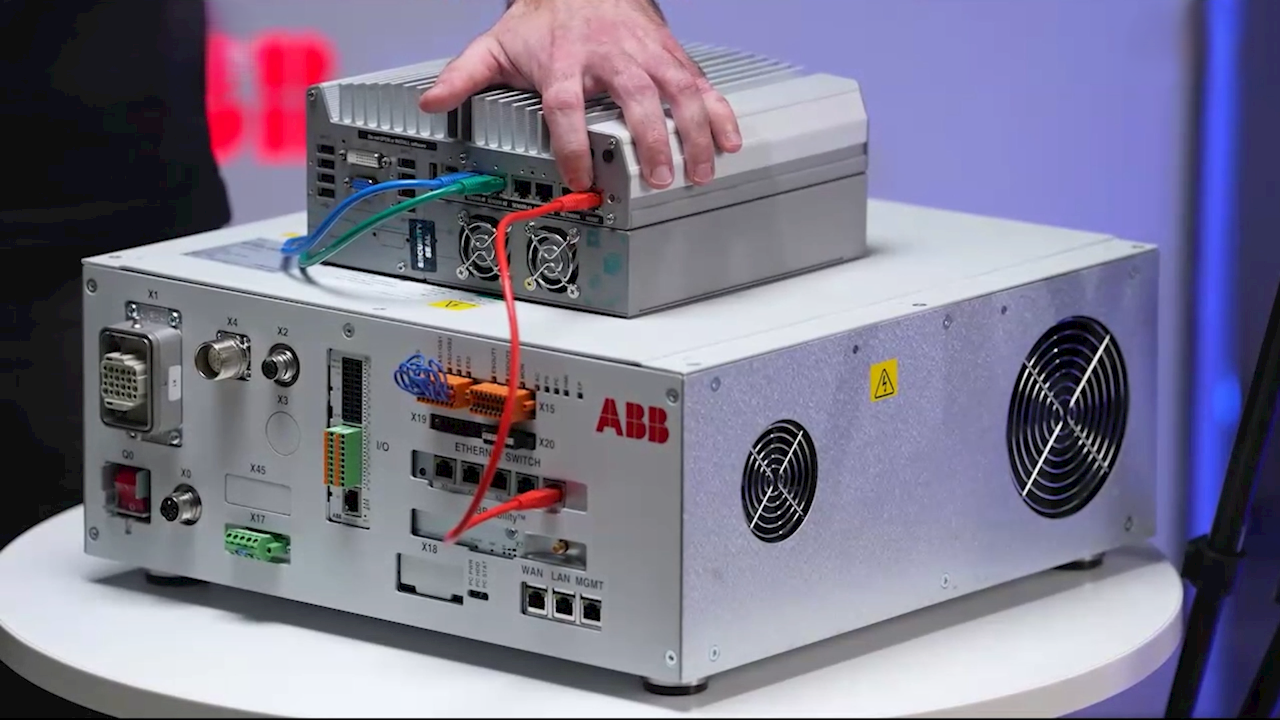
The audience showed strong interest, and several questions were raised. Below, you’ll find answers to some of the most frequently asked ones. If you were unable to join the live session and would like to learn more, you can watch the recording of the webinar.
Q&A
Q: Is the system compatible with large robots like the ABB IRB 6700?
Yes. The Photoneo software can be installed on all ABB robots. There are plugins available for all sizes of robots, ensuring scalability from small collaborative setups to large industrial applications.
Check out Robotics One to browse all ABB Robotics products and Ecosystem accessories.
Q: Is it difficult to mount a PhoXi 3D Scanner to a GoFa robot for "Hand-Eye" sensing? I’m worried about collisions.
Our partner Photoneo provides standard adapters to mount scanners directly to the robot. You have two options: mounting at the flange (axis 6) or alongside one of the arms to reduce the footprint.
The software treats the scanner as part of the robot's body. It will automatically prevent the sensor from hitting bin walls or other obstacles.
Q: Is RobotStudio required for installation?
You can install the software without RobotStudio. But we highly recommend having RobotStudio, as it makes the whole deployment much easier.
Q: What is the difference between Locator Studio and Bin Picking Studio?
- Locator Studio: Reports the 6D pose of objects in the scene. It is ideal if you have multiple grippers or semi-oriented parts.
- Bin Picking Studio: A complete solution that calculates the specific trajectory for the robot to pick an object without collision. This is best for parts that are randomly oriented in a deep bin.
Q: Can the system handle bins with mixed parts or tangled items?
Yes. You can configure multiple vision systems within one solution, each handling a different part. This allows the system to manage variety within a single bin.
Q: Can customers train the robot themselves, or is a technician required on-site?
If you have basic robot skills, you can do it yourself. Deployment is fast. Usually, we can get a system running in 1 to 3 hours.
Q: Can I manage two robots with a single static sensor?
Yes, using ABB Robotics’ MultiMove system, you can control multiple robots with one controller. By connecting the sensor to the "master" robot, you can distribute tasks to the second robot.
Don’t miss this opportunity to learn about AI-vision-guided robotics and to upgrade your automation!
Contact us →
Watch the webinar →


